Since its launch in 2017, our vision for Teams has been to bring all your communication and collaboration tools together in one place — from chat and meetings to apps and files. Whether used for work, school, or life, more than 280 million people rely on Teams each month to stay productive and connected with colleagues, partners, customers, friends, and family. Teams has also enabled rich innovation from independent software vendors (ISVs), enterprise developers, and systems integrators, resulting in over 1,900 apps in the store and more than 100,000 custom apps that integrate seamlessly with the Teams platform. Together with a broad ecosystem of Teams-certified devices and meeting spaces, these applications help you stay productive and maintain your workflow.
We listened to your feedback and rebuilt Teams from the ground up.
The new app is built on pillars of speed, performance, flexibility, and intelligence — delivering up to twice the responsiveness while using 50 percent less memory so you can save time and collaborate more efficiently. We’ve also simplified the user experience to make it easier to find things in one central place. These improvements form the foundation for groundbreaking AI-driven experiences, such as Copilot for Microsoft Teams, which we announced earlier this month. 1
While we’ve continuously improved the existing Teams apps, the most significant breakthroughs are available only in the new Teams. Below is a summary of the major areas of improvement; for the full list, see our Tech Community blog.
The new Microsoft Teams: Faster, simpler, more flexible, and smarter
Faster. Our north star for the new Teams is to make it twice as fast while using half the system resources. To reach that goal, we made a foundational investment to re-architect the platform and optimize data, network, chat, and video systems for speed and performance. We are far from finished tuning the new Teams, but early public preview data is already promising. Independent benchmarking firm GigaOm helped quantify several performance gains, reporting that app launch times and meeting join times are already twice as fast, and memory usage is reduced by half when comparing the new Teams preview to classic Teams. 2
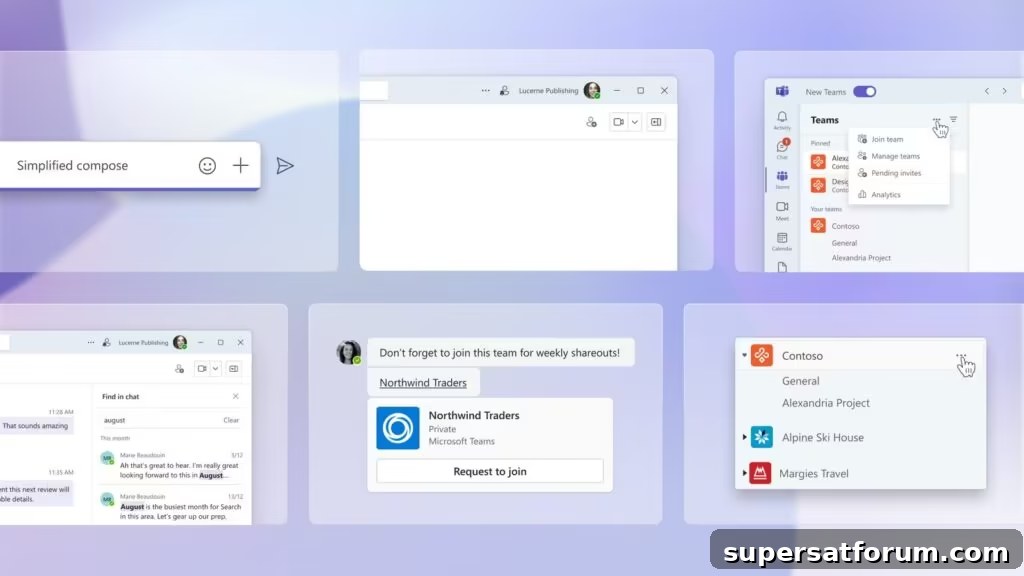
Simpler. We continuously seek ways to deliver a simpler yet feature-rich experience for our diverse and growing user base. That’s why we’re excited to introduce improvements to core Teams experiences that make it easier to stay on top of notifications, find information, manage messages, and organize channels — all with fewer clicks. For more on the design journey behind the new Teams, read the Microsoft Design write-up.
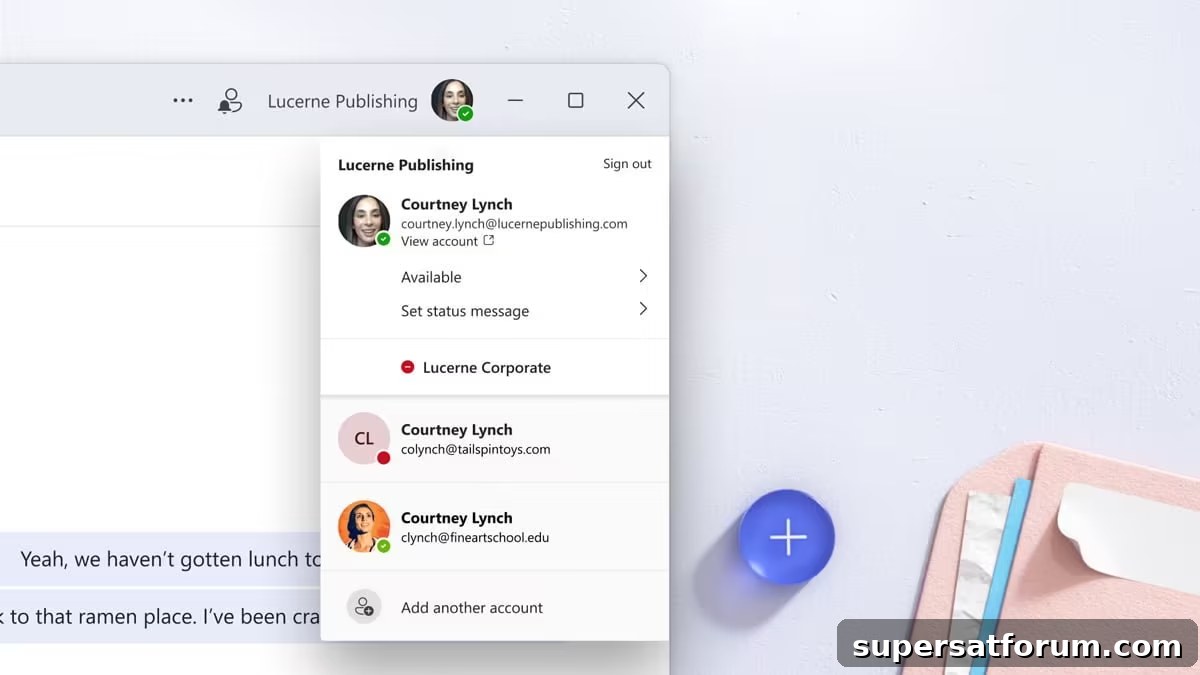
More flexible. Many customers operate across multiple tenants and accounts, so we invested heavily in support for those scenarios. We improved authentication, sync, and notification systems to provide a seamless, consistent experience. For example, customers who collaborate across organizational boundaries often need to use Teams across multiple tenants or accounts. Instead of signing in and out of different tenants and accounts, you can now stay signed in to all of them and receive notifications no matter which one you are actively using.
Smarter. The new Teams will be the platform for the next generation of AI experiences, including previously announced capabilities such as intelligent summaries and Copilot for Microsoft Teams. We’ll use AI to reduce the effort of working together by surfacing what happened before you joined a meeting or conversation and by answering questions during discussion flows. We’ve only begun to tap AI’s potential within Teams, and we’ll share more in the months ahead.
Learn more about the Microsoft Teams Public Preview program.
We plan to make the new Teams generally available later this year. In the meantime, we encourage commercial customers on Windows to try the public preview, which begins rolling out today. We intend to expand the preview to a broader set of customers, including Mac users, later this year. Users in the Public Preview program will have immediate access to the new Teams; for a wider set of commercial customers, admins will need to opt in first, after which users will see a simple toggle to switch to the new Teams. You can also switch back to classic Teams at any time.