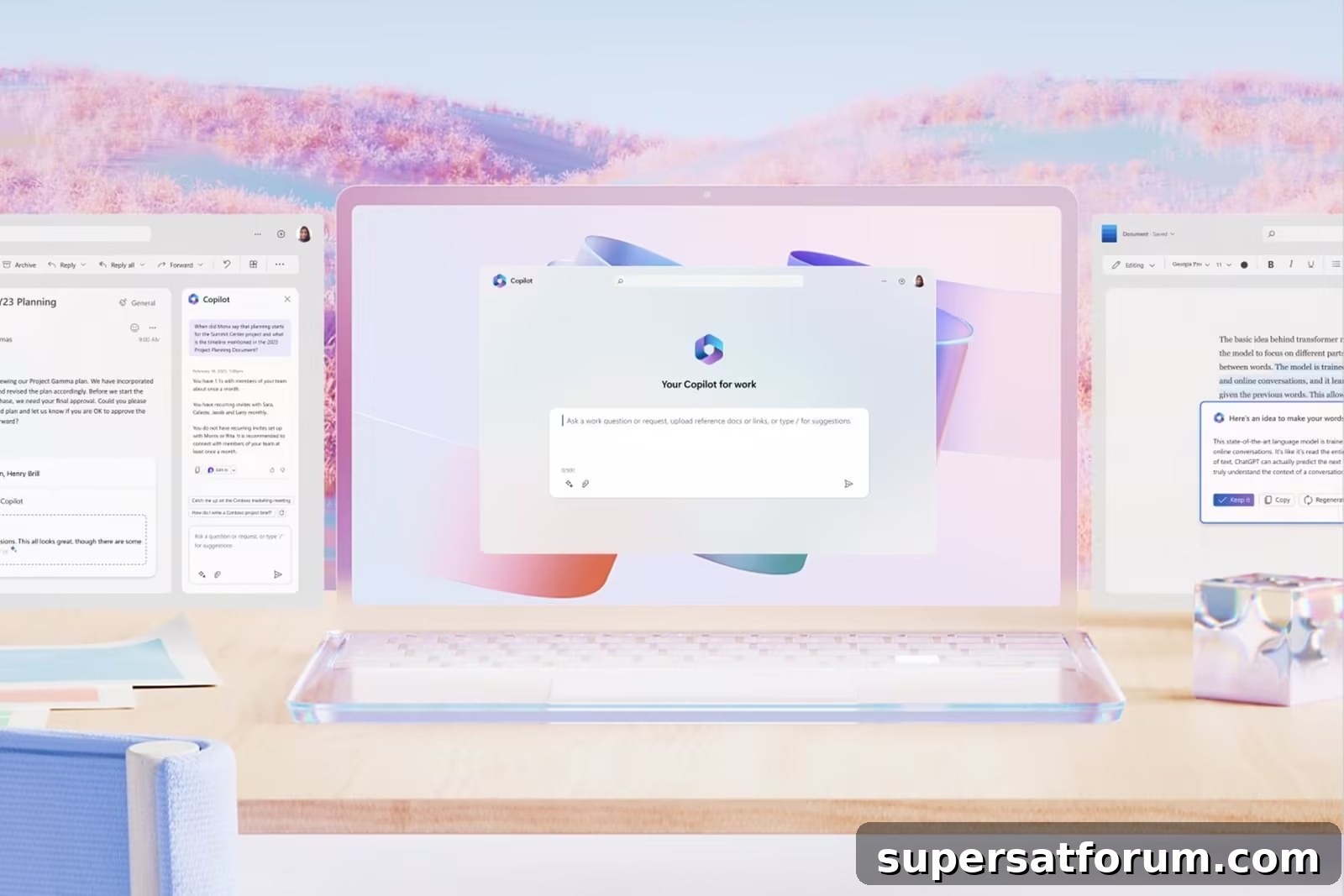
On a broad level, Microsoft Copilot represents a groundbreaking advancement in artificial intelligence (AI). Microsoft has released multiple Copilots with different capabilities tailored to various tasks and aims to make Copilot technology accessible to all users.
“We are the Copilot company,” Microsoft CEO Satya Nadella said at the company’s Ignite event. “We believe in a future where there will be a Copilot for everyone and for everything you do.”
Originally known as Bing Chat, Microsoft Copilot is an AI chatbot that can perform a wide range of functions, including coding, writing, image generation and answering general queries. Microsoft has expanded the Copilot concept across multiple applications and experiences, including Microsoft 365, with the goal of offering AI assistance across all parts of users’ workflows.
Is Microsoft Copilot already available?
Yes. Microsoft Copilot, formerly Bing Chat, has been available since February, and it adopted the Copilot name during Microsoft’s Ignite event in November.
Other Copilots, such as Copilot in Windows and Copilot for Microsoft 365, have different release timelines. Copilot in Windows began rolling out to Windows 11 via an update on September 26, while Copilot for Microsoft 365 started reaching enterprise customers on November 1 and will become available to non-enterprise users later.
Is Microsoft Copilot free?
Microsoft Copilot (formerly Bing Chat) is available for free. However, pricing varies for application-specific Copilots depending on the service they integrate with.
For example, Copilot for Microsoft 365 is offered to enterprise customers at $30 per user per month. Copilot in Windows was launched as a free update for Windows 11. Other applications, like Copilot for Sales and Copilot for Service, carry higher price points—around $50 per user—depending on licensing and features.
What is Copilot for Microsoft 365?
Copilot for Microsoft 365 refers to the integration of the Copilot AI assistant into Microsoft’s productivity suite, including Teams, Word, Outlook, Excel and PowerPoint. It helps streamline workflows by assisting with tasks such as generating text and tables in Word, summarizing emails in Outlook, and creating data visualizations or Python-powered charts in Excel.
What is Copilot in Windows?
Copilot in Windows is an AI assistant built into Windows that helps with a range of tasks—from adjusting PC settings to offering generative assistance. It can toggle dark mode, organize windows, draft text, or assist with shopping decisions through a simple conversational interface.
What is Microsoft Security Copilot?
Microsoft Security Copilot combines AI with cybersecurity to provide advanced protection against cyber threats. It analyzes security data to detect anomalous behavior and strengthens real-time responses with automated remediation suggestions and guided workflows.
What are Microsoft Copilot for Service and Copilot for Sales?
Copilot for Service and Copilot for Sales are focused on boosting business operations through AI. Copilot for Service integrates with CRM systems to deliver AI-driven responses and resources tailored to each customer interaction. Copilot for Sales is designed to improve sales productivity by personalizing outreach, prioritizing leads, and helping close more deals.
What is Microsoft 365 Chat?
Microsoft 365 Chat is part of the Microsoft 365 Copilot experience and serves as a chat-based interface that can access information across Microsoft applications to answer questions and assist with tasks, creating a unified assistant across productivity tools.
What is Google’s equivalent to Microsoft Copilot?
Google’s comparable offering is called Duet AI. Integrated into Google Workspace, Duet AI provides assistance across apps such as Docs, Slides, Meet, Gmail and Chat. It was made available to businesses and organizations, with options for trial access through Google’s enterprise channels.