A bug in Windows 11 24H2 and earlier versions of the operating system is causing BitLocker settings to become inaccessible, showing the message “For your security some settings are managed by your administrator.” As a result, you cannot change BitLocker options until Microsoft issues a fix.
If you run Windows 11 on a supported device, you likely use BitLocker to encrypt your local drive. Many modern PCs ship encrypted by default, and BitLocker encryption can normally be managed through Control Panel or Settings. However, a recent bug prevents some users from changing those settings.
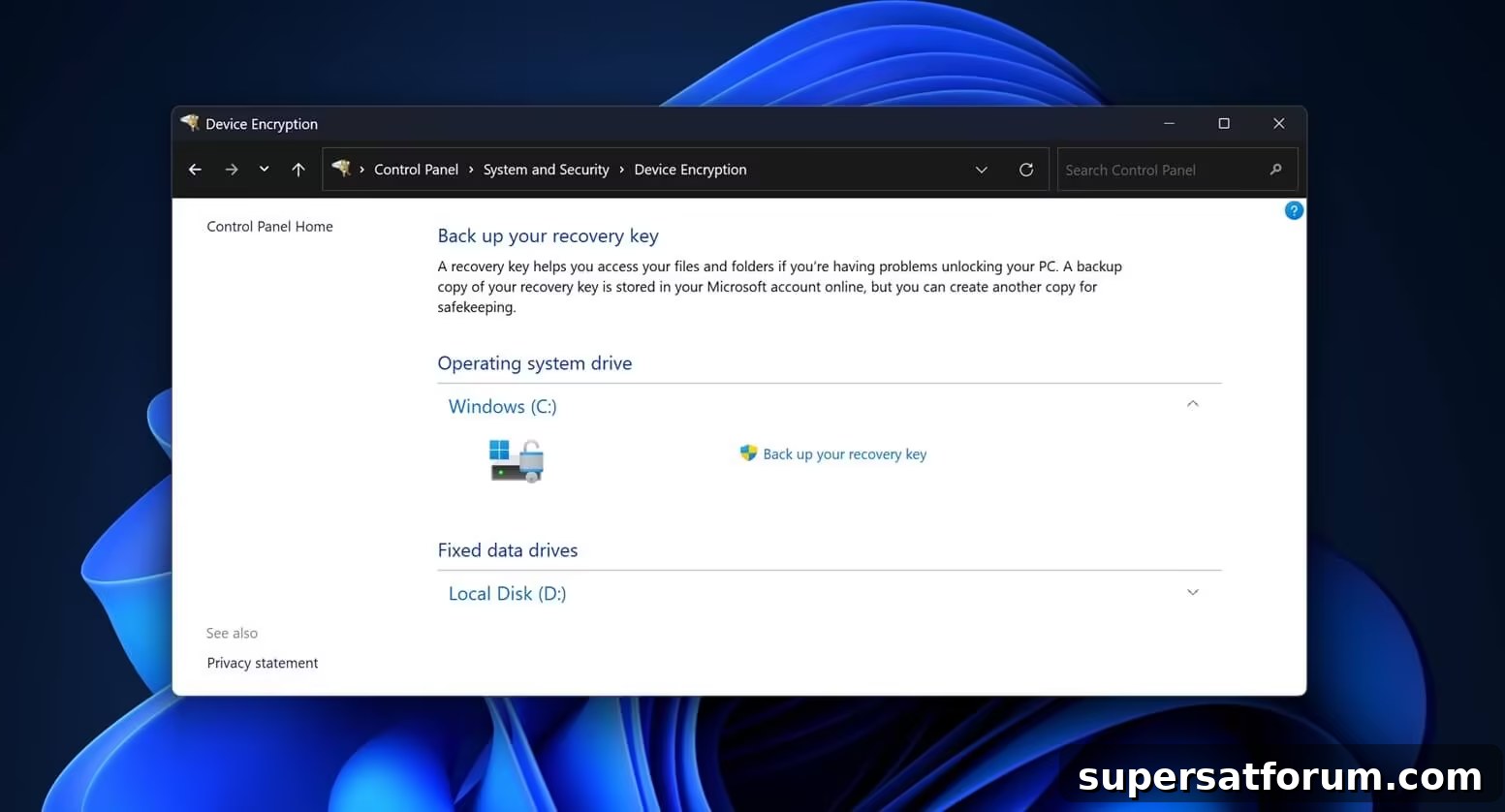
The error message “For your security some settings are managed by your administrator” can appear in Windows Settings or under Control Panel > System and Security > Device Encryption, among other places. When the issue occurs, the page becomes locked and options to manage BitLocker are unavailable.
When the page functions correctly, it shows the normal controls and options available for BitLocker, allowing users to manage encryption and recovery keys.
Microsoft has acknowledged the problem in a support document, explaining that it affects unmanaged PCs or machines using a Trusted Platform Module (TPM). Because many consumer devices are unmanaged and most modern systems include TPM, the number of affected users may be substantial.
For context, the message “For your security some settings are managed by your administrator” normally appears when a Windows installation is managed by an organization, such as an employer. It should not appear on a typical consumer device under regular use.
Microsoft has not offered an immediate workaround and has stated that a patch will be delivered in a future Windows release. Until that update arrives, affected users cannot decrypt their devices or modify BitLocker configurations because the relevant pages are locked by the bug.
“We are working on a resolution and will provide more information when it is available,” Microsoft noted in the support document discovered by Windows Latest.
This BitLocker bug is one of several issues currently affecting Windows 11. Since the launch of Windows 11 24H2 in October, multiple bugs have been reported. For example, users reported that Path of Exile 2 became unstable after upgrading to 24H2—frequent crashes and launch failures affected many players.
Other problems discovered after the 24H2 update include a disappearing mouse cursor when editing text fields in Chromium-based apps, broken clipboard history, degraded performance, and installation failures for certain updates. These and other reports indicate Microsoft is still working to resolve numerous issues.
Microsoft is tracking up to 15 known issues in Windows 11 24H2 that it is attempting to address. New problems continue to surface, and there is no definitive timeline for when all of them will be fixed.