Apple has recently sent a fresh round of threat notifications to iPhone users in 98 countries, alerting them that their devices may have been targeted by mercenary Pegasus spyware.
This marks the company’s second notification campaign this year, following a similar distribution in April that reached users in 92 countries.
According to an Apple support document, the company has issued these targeted warnings regularly since 2021, notifying people in more than 150 countries to date. The most recent alerts, sent on July 10, did not disclose the identities of the attackers or list the specific countries that received notifications, reflecting a careful balance between transparency and operational security.
The message delivered to affected users stated: “Apple detected that you are being targeted by a mercenary spyware attack that is trying to remotely compromise the iPhone associated with your Apple ID.” Apple underscored that these attacks are targeted, adding: “This attack is likely targeting you specifically because of who you are or what you do.” The company also cautioned that nation-state level campaigns can be difficult to prevent and stressed the importance of taking such warnings seriously.
Pegasus, described by Apple as military-grade spyware deployed by governments via mercenary hacking firms, is developed by the Israeli company NSO Group. It is widely regarded as one of the most advanced and invasive pieces of spyware ever discovered, because it can exploit zero-day vulnerabilities on mobile devices to gain remote access.
Reports indicate that users in India are among those who received Apple’s latest notifications. This follows an earlier incident last October when Apple warned several Indian journalists and politicians. Human rights organization Amnesty International later reported finding traces of Pegasus on the iPhones of prominent Indian journalists.
Apple has emphasised the sensitive nature of its detection methods and warned that revealing additional technical details could enable attackers to evade future detection. That reflects the company’s effort to inform impacted users while preserving the effectiveness of its threat intelligence.
Notably, Apple has shifted its terminology in recent months, now referring to these incidents as “mercenary spyware attacks” rather than “state-sponsored” attacks. That change may indicate an evolving understanding of how these operations are organized and who is responsible.
Apple says it depends solely on internal threat intelligence and investigations to identify such attacks, reinforcing its focus on protecting user privacy and device security.
Whether or not a notification has been received, Apple recommends all iPhone users follow these precautions to reduce the risk of compromise:
- Keep your device software up to date by installing the latest iOS updates
- Use a strong passcode on your device
- Enable multi-factor authentication and choose a robust password for your Apple ID
- Install apps only from the official App Store
- Consider using a reputable mobile security solution
- Be cautious when opening emails, messages, or clicking links from unknown or unexpected sources
For people who may be at higher risk of targeted mercenary spyware attacks, Apple offers an additional protective option called Lockdown Mode. This security feature places restrictions on device functions that could be abused by sophisticated spyware.
Lockdown Mode enforces several protective measures, including:
- Blocking most message attachments
- Preventing incoming FaceTime calls from unknown contacts
- Limiting certain web technologies and browsing features
- Removing location metadata from shared photos and disabling Shared Albums
- Blocking wired connections when the device is locked
- Preventing automatic joining of non-secure Wi-Fi networks
- Blocking incoming invitations from new contacts
- Restricting installation of configuration profiles often used for work or school environments
To turn on Lockdown Mode on an iPhone or iPad, follow these steps:
- Open the Settings app
- Go to Privacy & Security
- Scroll down and tap Lockdown Mode
- Tap “Turn On Lockdown Mode”
- Read the feature’s implications and confirm by tapping “Turn On Lockdown Mode”
- Select “Turn On & Restart,” then enter your device passcode
By applying these precautions and staying informed about potential threats, iPhone users can substantially reduce their exposure to advanced spyware attacks.
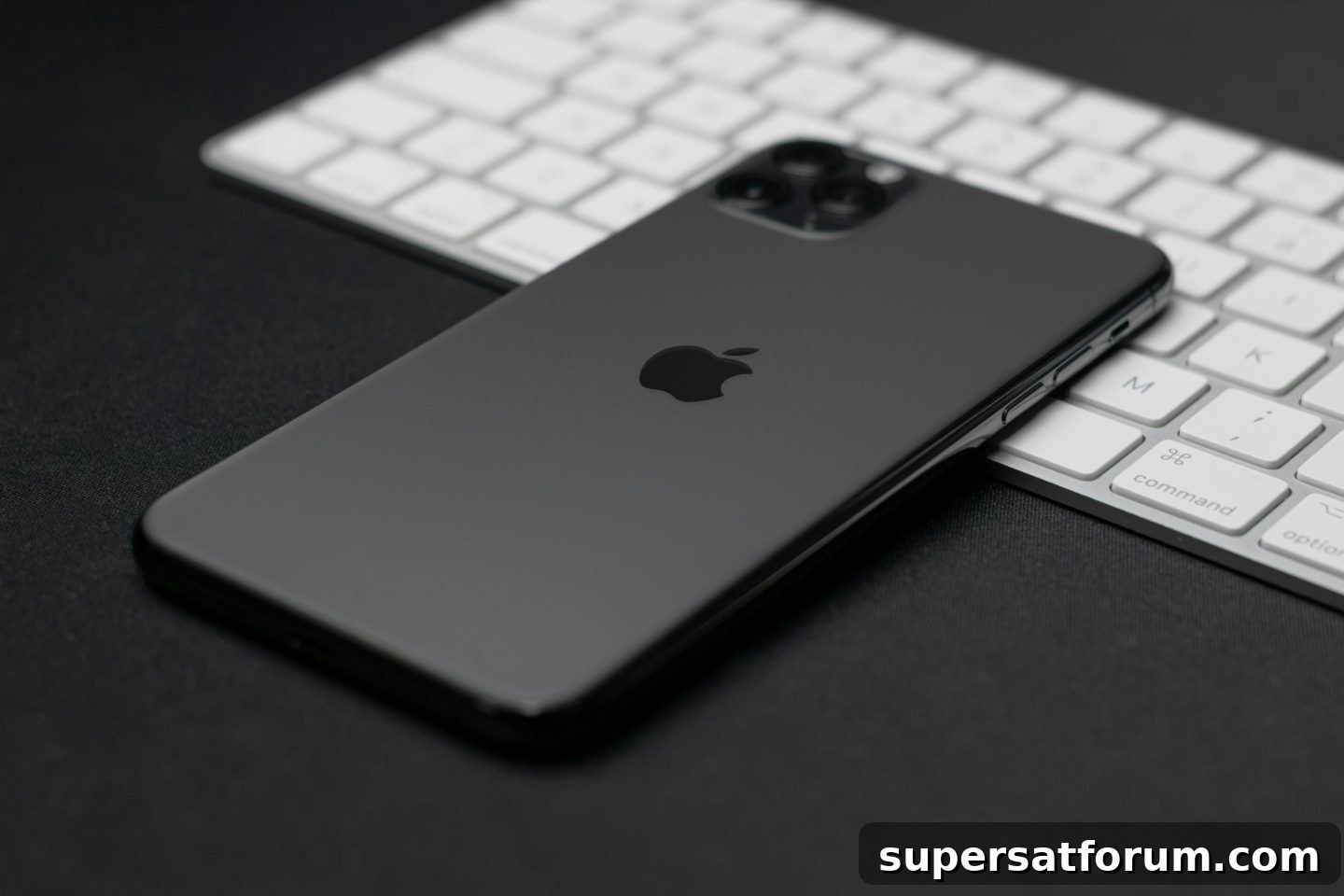
(Photo by Paolo Giubilato)
See also: HarmonyOS NEXT: Huawei’s bold move to challenge Apple and Android
Unified Communications is a two-day event held in California, London, and Amsterdam that explores the future of workplace collaboration in a digital world. The event is co-located with Digital Transformation Week, IoT Tech Expo, Edge Computing Expo, Intelligent Automation, AI & Big Data Expo, and Cyber Security & Cloud Expo.
Discover additional enterprise technology events and webinars presented by TechForge.